Tired of the Same Low-Carb Dinners?

Pick a Dietary Focus and ask for something new. Every recipe is written fresh, so you never get last week again.
 Get the App
Your AI Recipe Maker
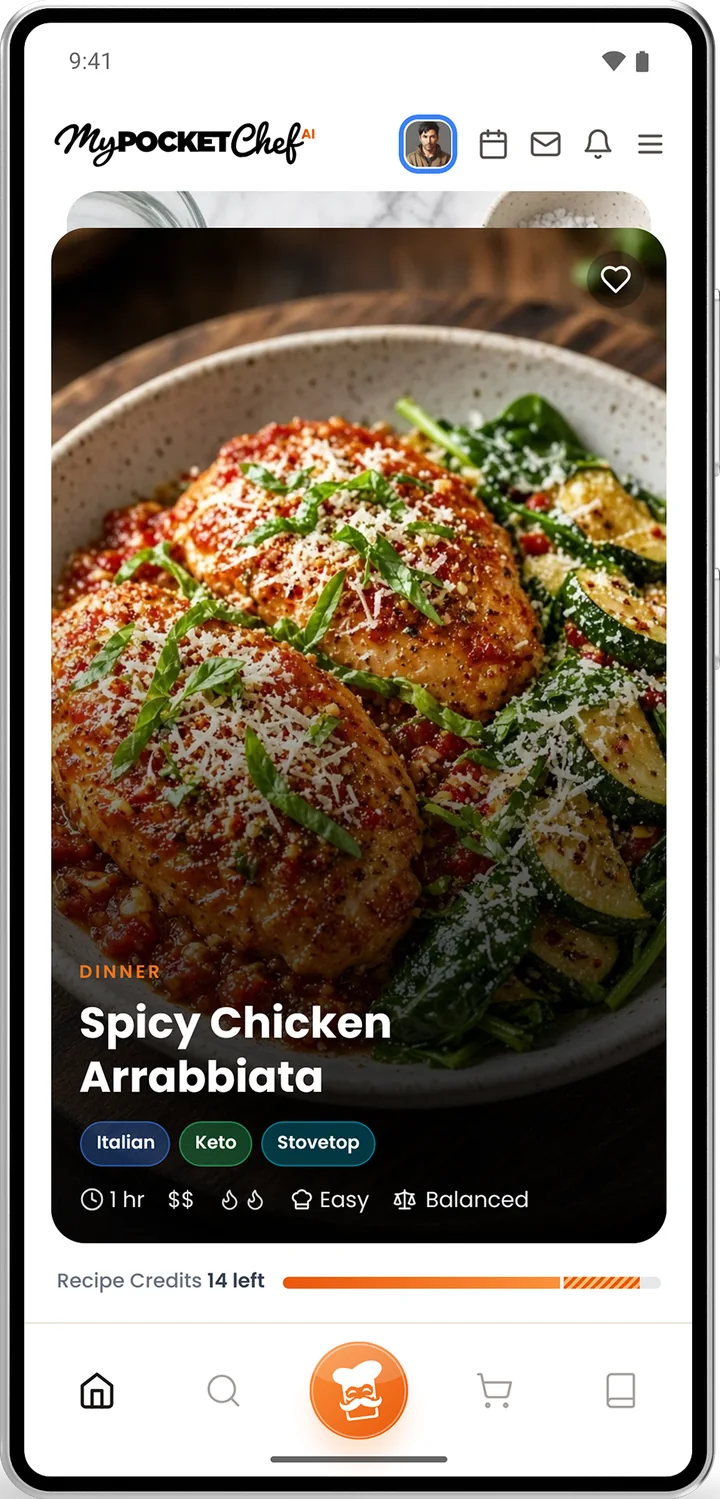
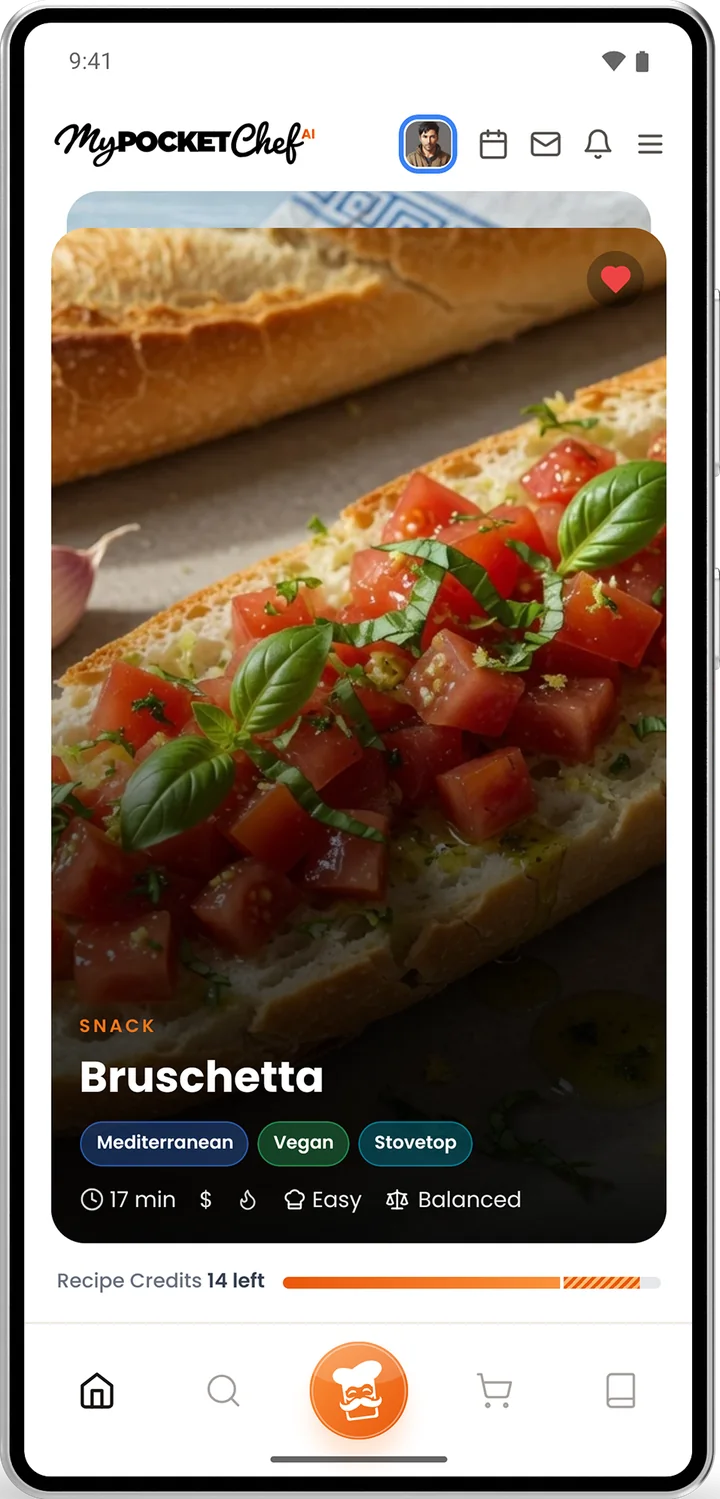
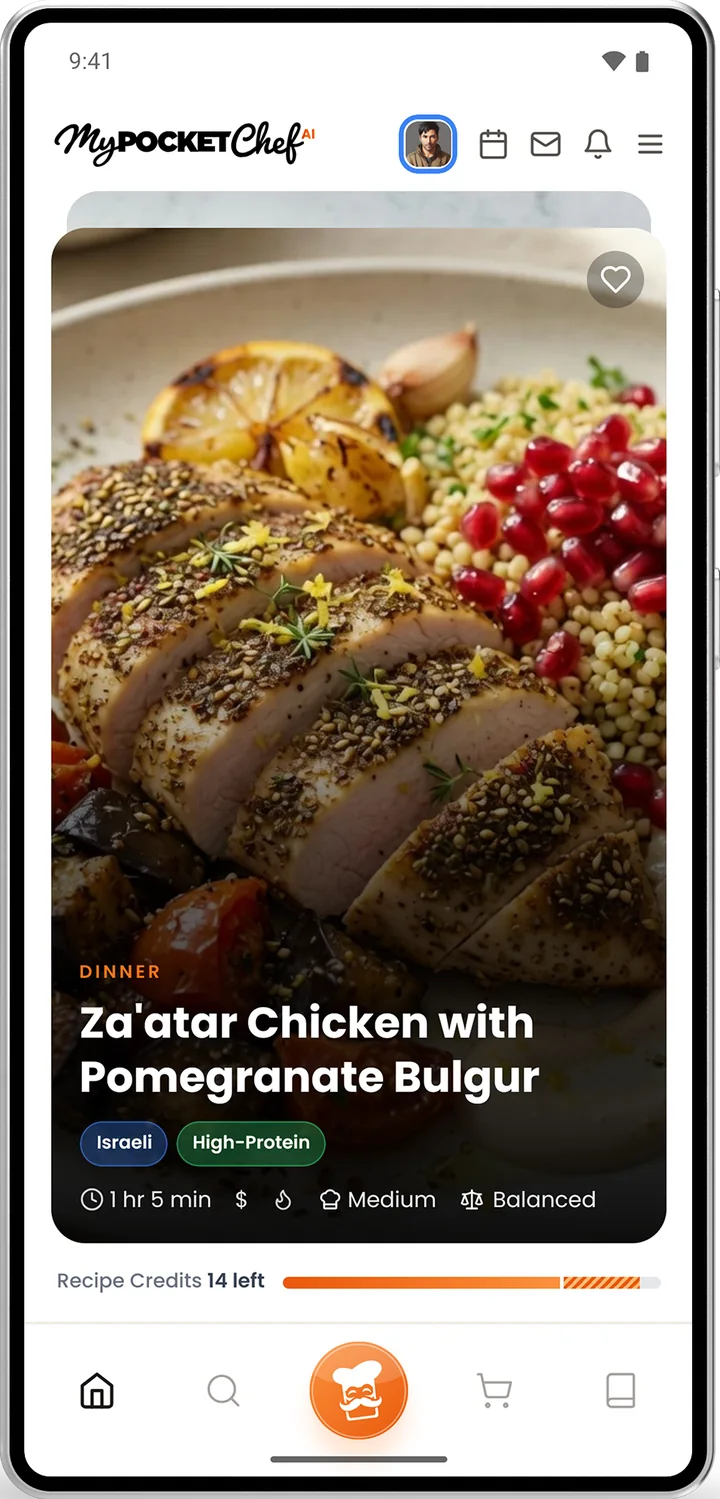
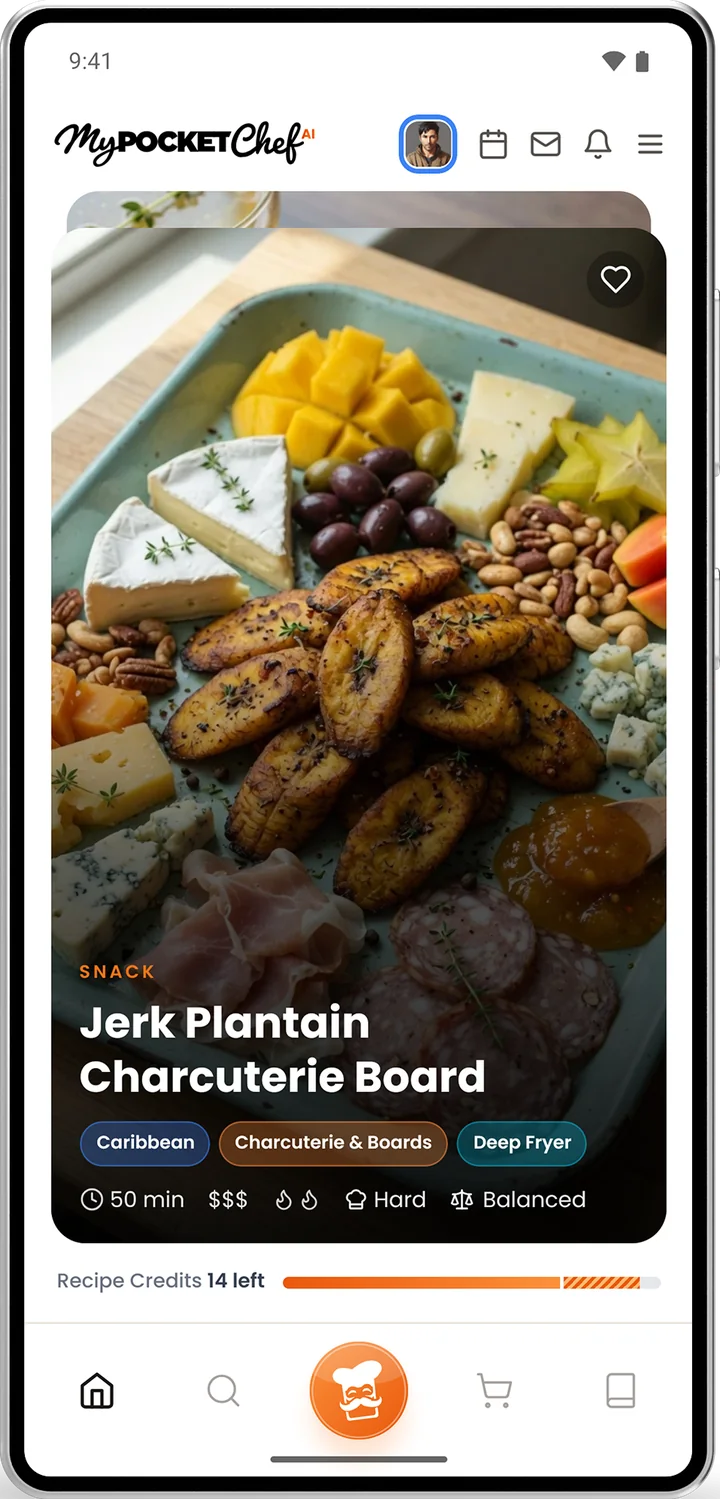
Tell MyPocketChefAI what you are craving, what you avoid and how much time you have. It writes a recipe that did not exist a minute ago, with a photo, clear steps and nutrition.
Free to start with 40 hand-picked recipes.
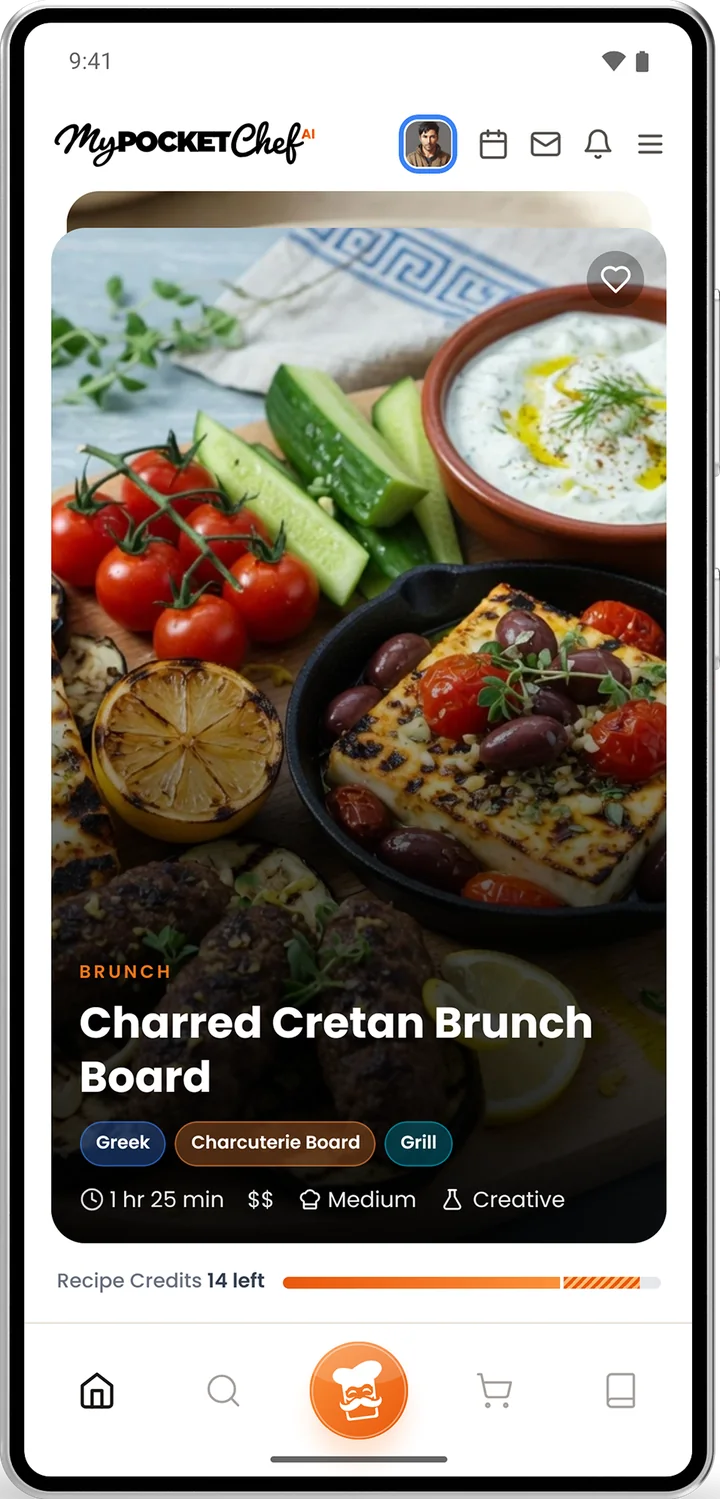
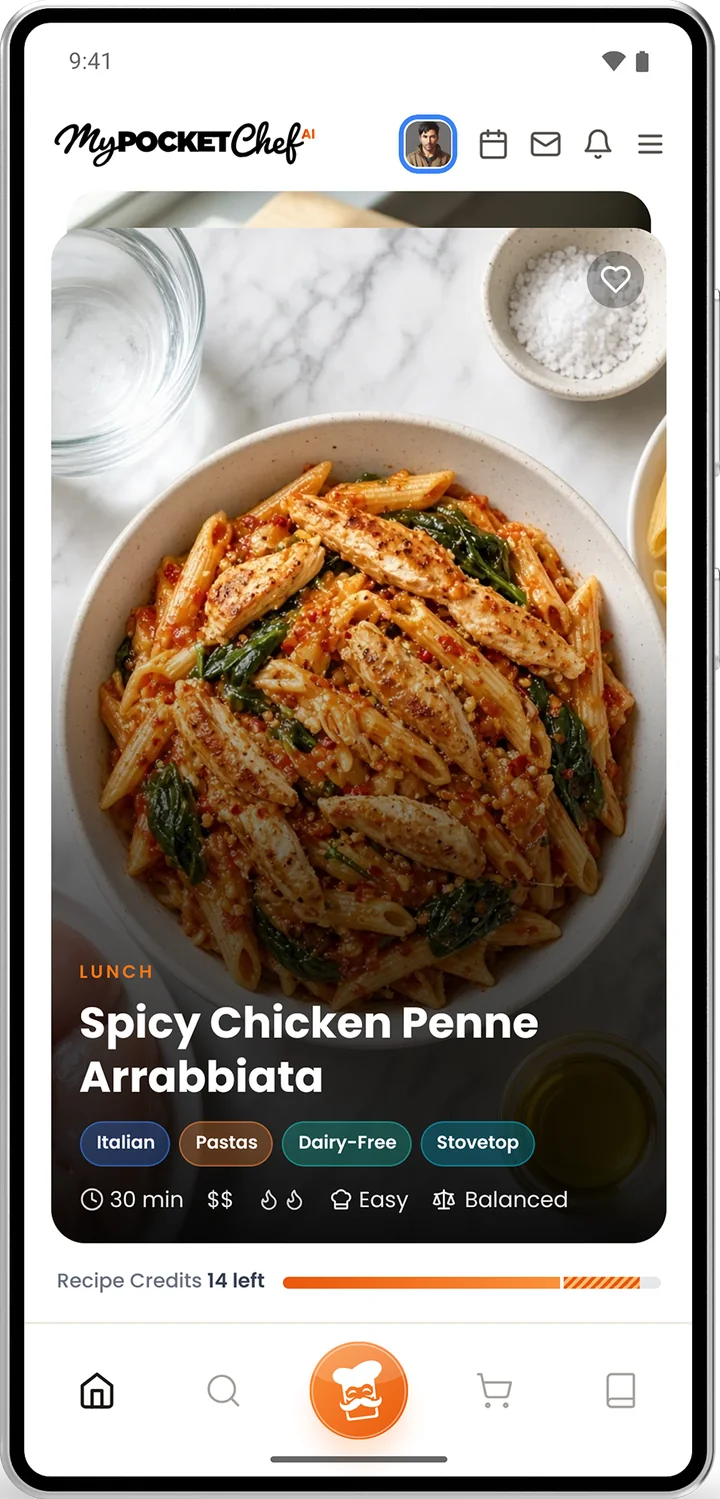
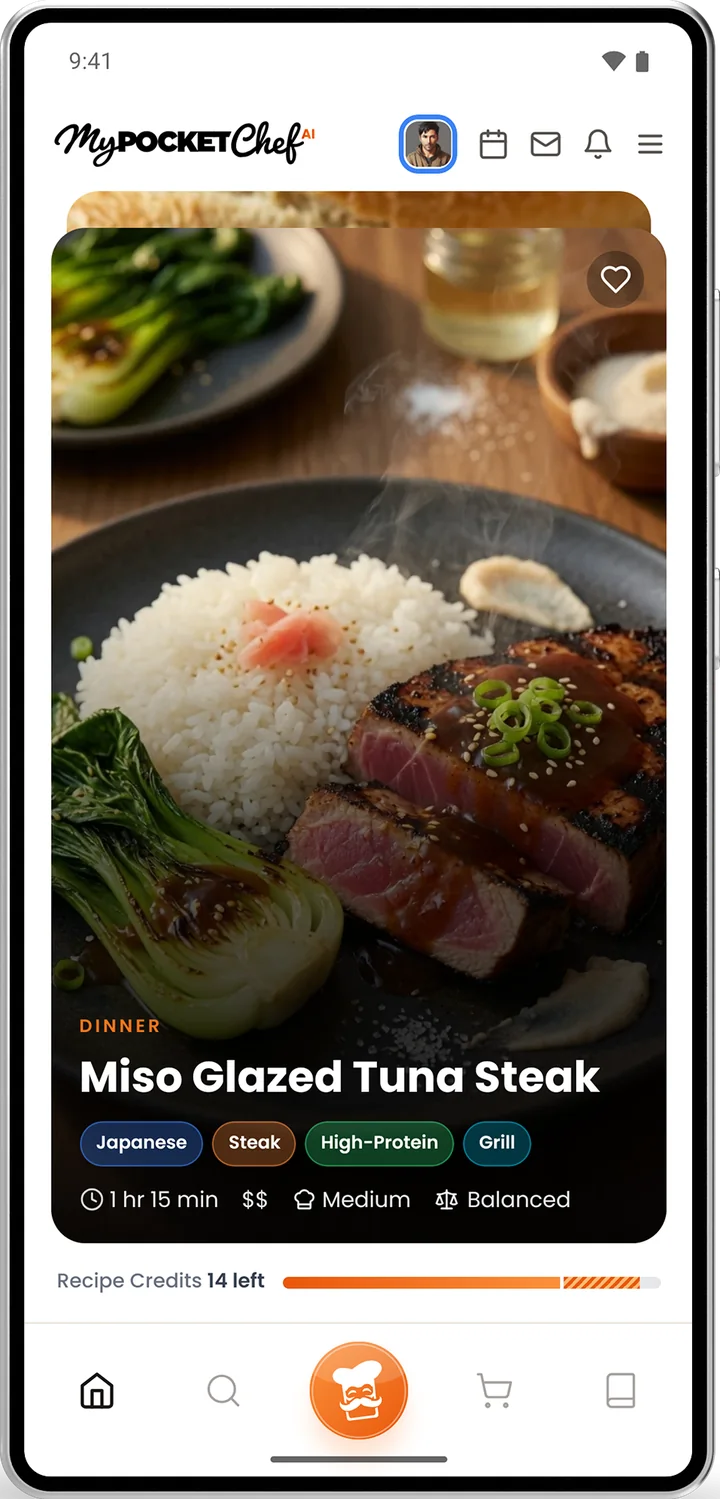 High-Protein
30 min
Dairy-Free
Made for Real Life
Whatever is going on in your kitchen, Enzo has an answer. Pick yours, or swipe through the deck.
Pick a Dietary Focus and ask for something new. Every recipe is written fresh, so you never get last week again.
End the debate. Tap Chef's Choice and let me decide, or swipe the Home deck together: right if you like it, left to pass.
Switch the builder to drinks. Tell me the mood and what is on hand, with or without alcohol.
Set your calories, protein, carbs and fat. Macro Mode and Sport Mode aim every recipe at your numbers.
Make something worth sharing, then send it to the group so everyone can cook it in their own kitchen.
Keep a profile for each person you cook for, so the builder knows who is coming to dinner.
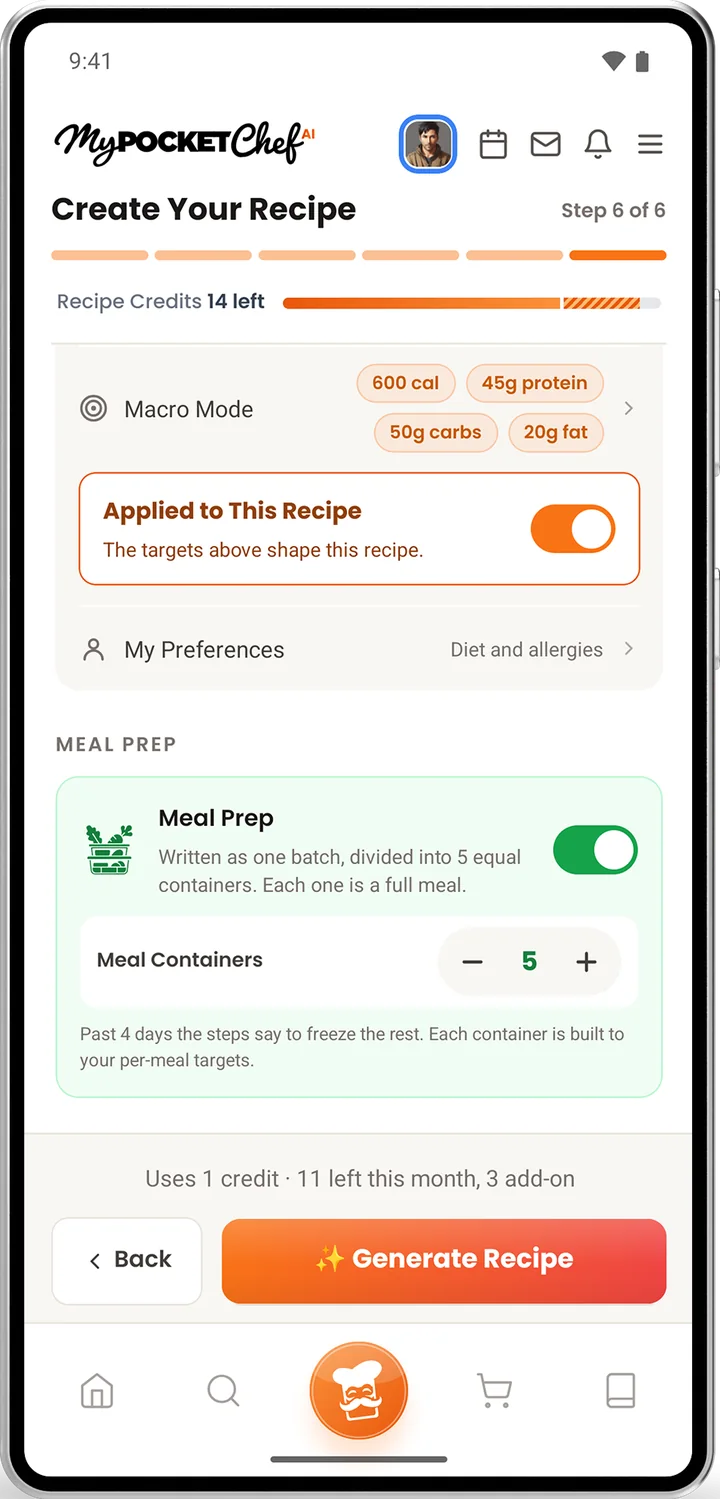
Turn one recipe into a batch, divided into equal containers. Each one is a full meal.
Take your guests around the world. Pick a cuisine, then build the snacks, the main, the drinks and dessert to match.
How It Works
Food or drinks. Breakfast, dinner, dessert, snacks or something baked from scratch.
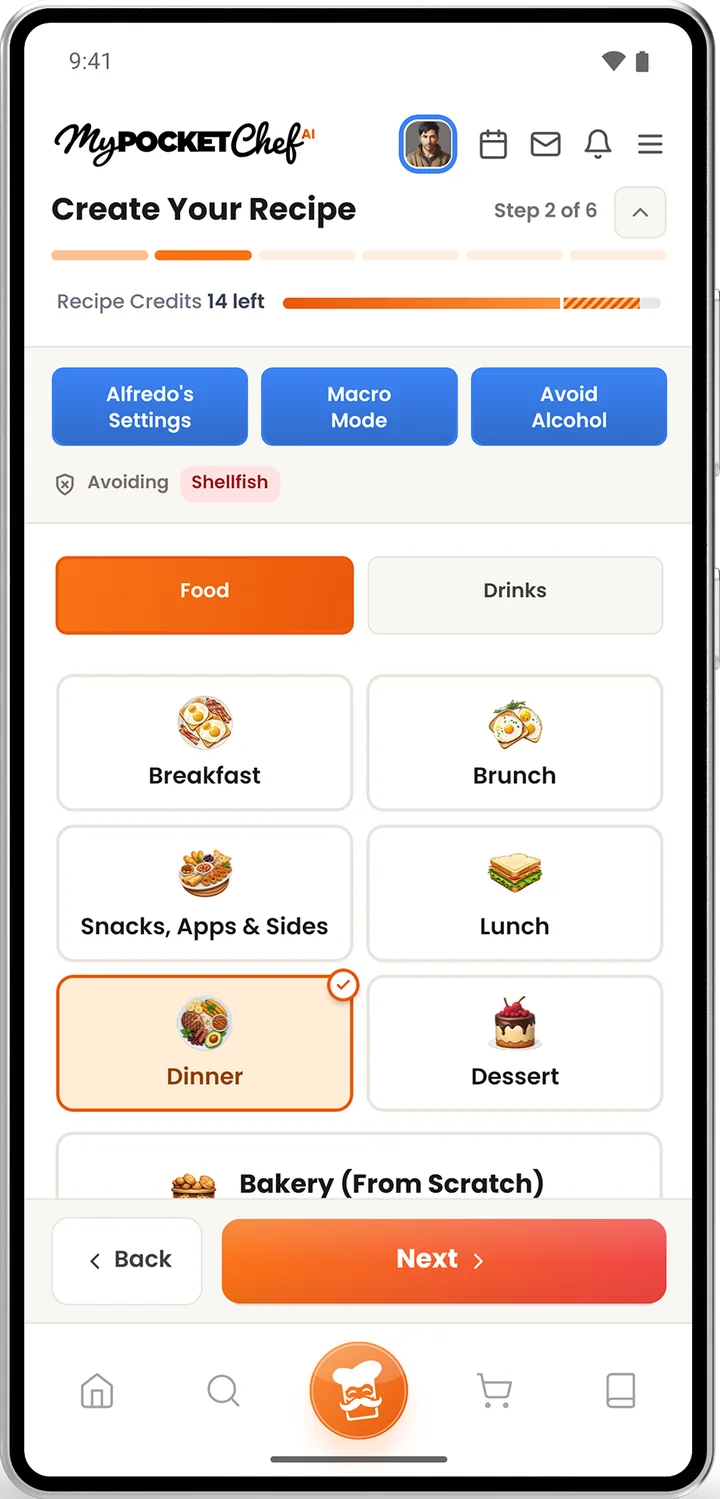
Add allergies and restrictions once and they go to the chef with every recipe you make.
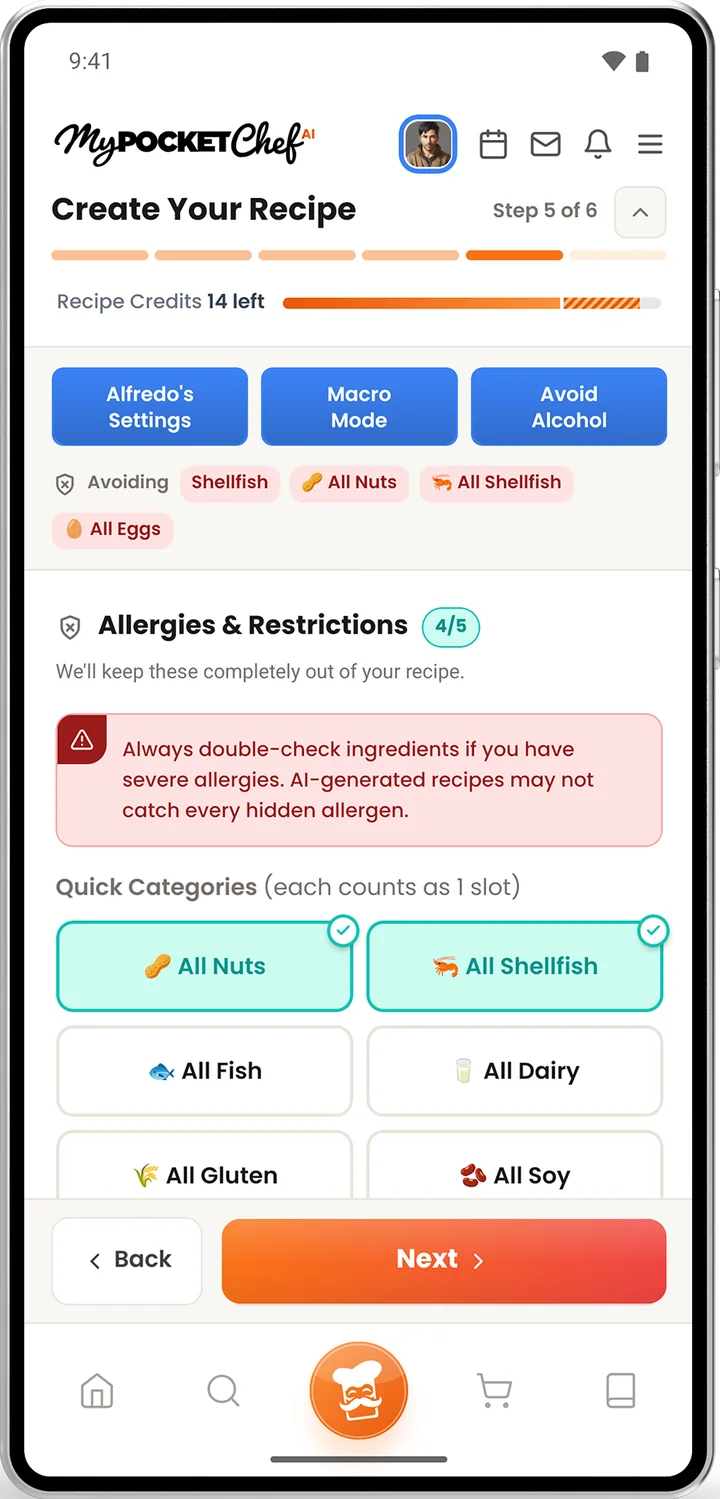
Aim for calories, protein, carbs and fat with Macro Mode, or turn one batch into a week of meal prep.
Your recipe arrives with a photo, an ingredient checklist, step-by-step instructions and nutrition per serving.
Features
Plan the month and see how each day lines up with your goals.
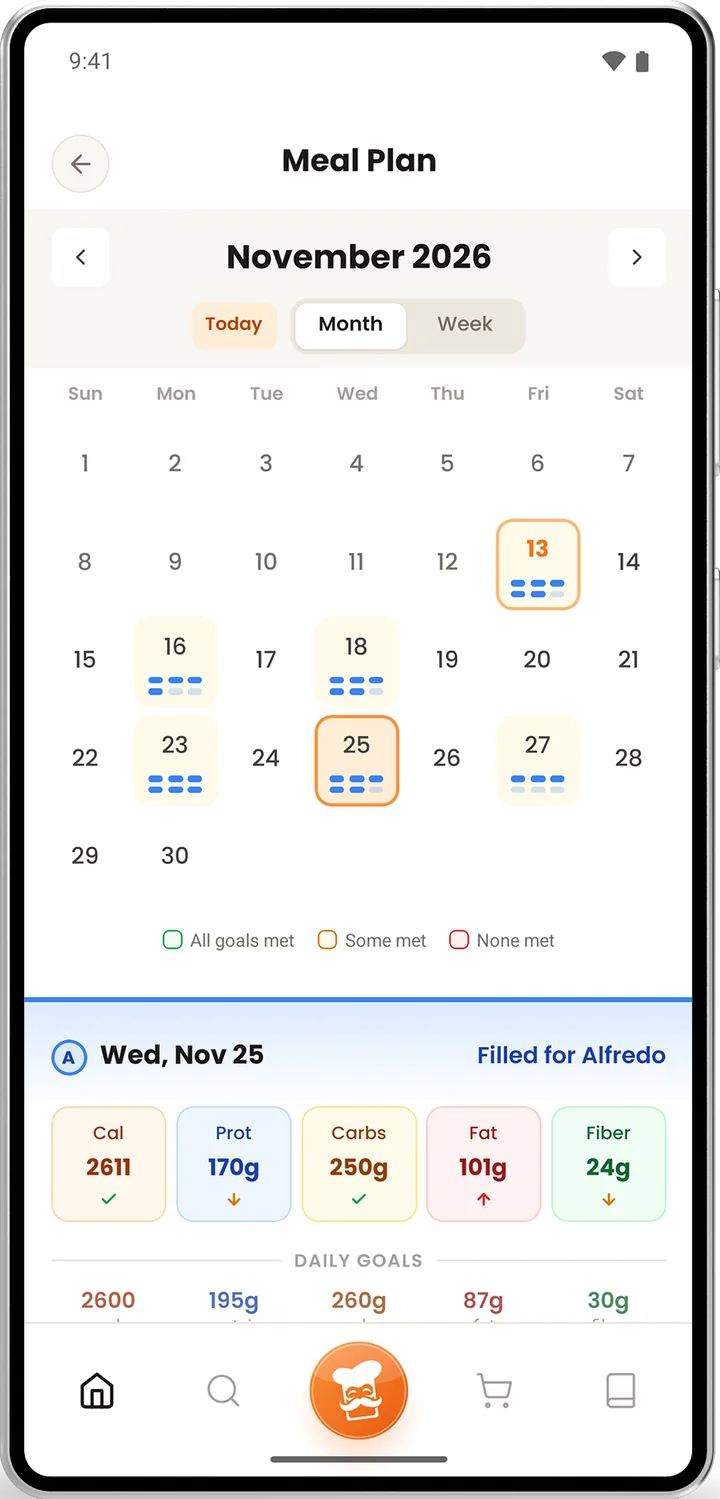
Set daily targets and let every recipe aim for them. Train for a sport and your food follows.
One step at a time, with timers built in, so your hands stay on the food.
Every recipe turns into a shopping list you can check off in the store.
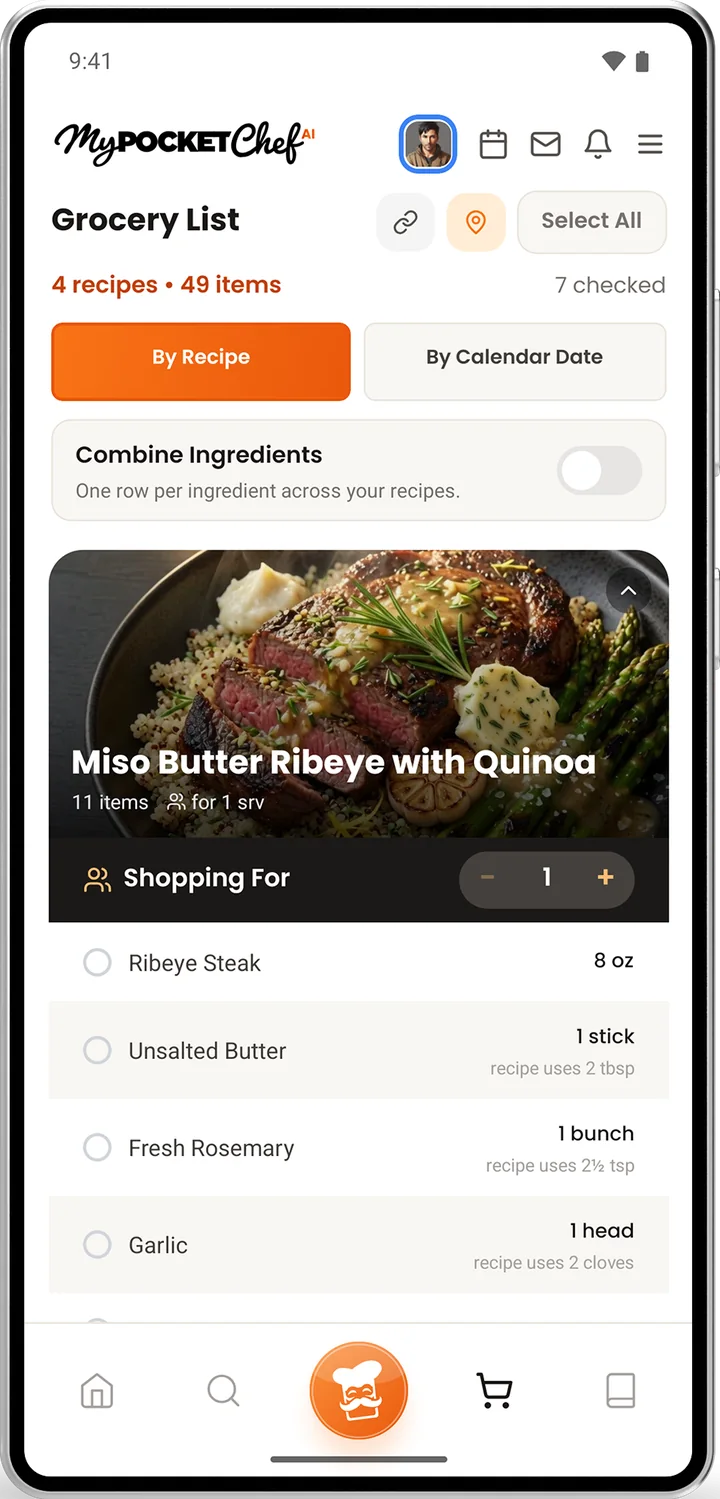
One batch, divided into equal containers. Each one is a full meal.
Keep a profile for each person at your table, with their own diet, allergies and goals.
Calories, protein, carbs, fat and fiber per serving, right on the recipe.
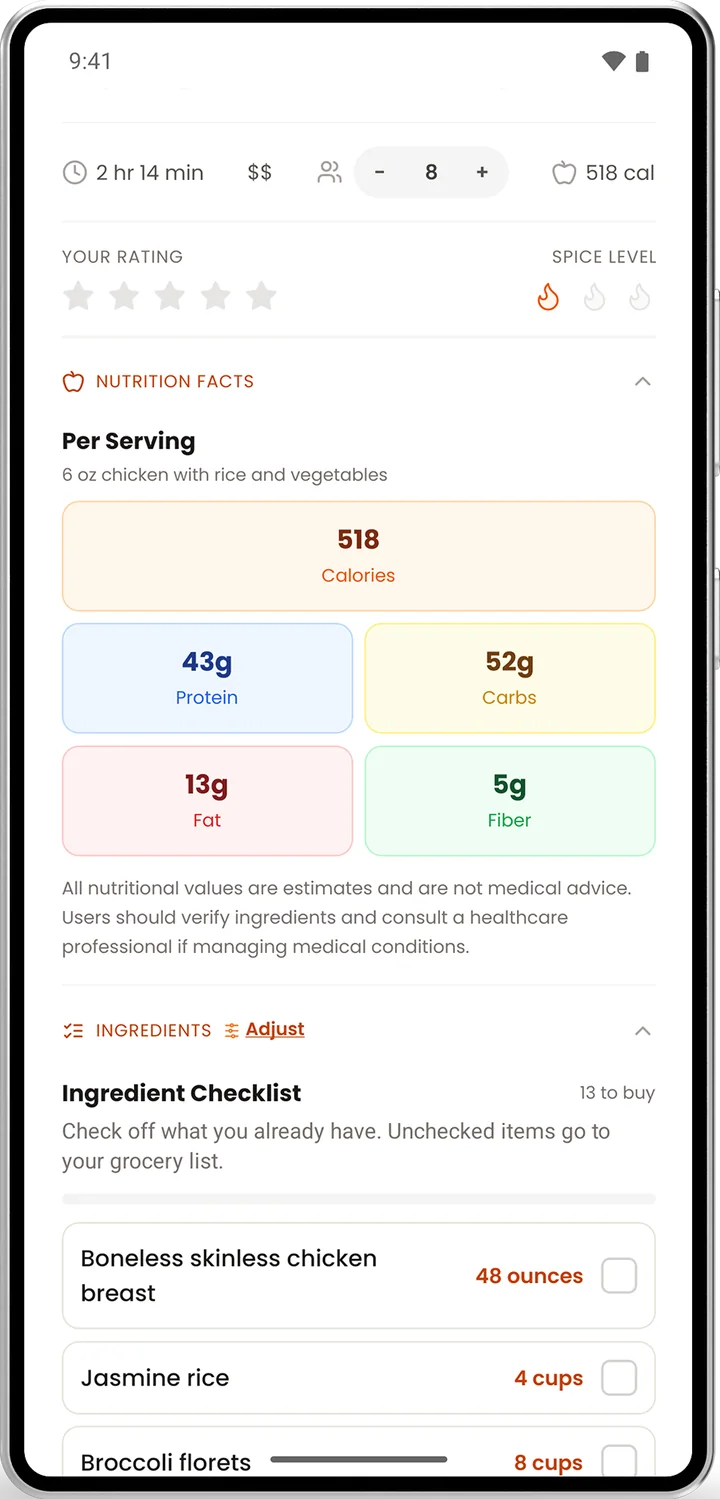

Switch the builder from food to drinks, with or without alcohol.
Change the servings and every amount adjusts with you.
Set how much to spend, how long you have and how hot you like it.

Turn it on and every step tells you why it matters, so you learn as you cook.
Every recipe you make is saved, with room for your own rating and notes.
Share what you made with other chefs in the app.
Earn badges as you cook, plan and explore.
Not sure what a term means? Look it up without leaving the recipe.
Fresh Every Time
Plans
Taste the kitchen
Free
Start Cooking Smart
$5.99 a month
or $64.99 a year
Macros, Sport and Full Tracking
$9.99 a month
or $107.99 a year
One credit makes one new recipe. Need more? Add 4 credits for $3.99 or 8 for $6.99. Plans are purchased in the app. Prices in US dollars.
FAQ
It is a recipe maker. You choose what you are in the mood for and what to avoid, and the app writes a brand new recipe for you, complete with a photo, steps and nutrition.
Guest Chef is free and comes with 40 hand-picked recipes to cook. Creating your own recipes is part of the Sous Chef and Executive Chef plans.
One credit makes one new recipe. Sous Chef includes 6 a month and Executive Chef includes 12. You can add more with a credit pack, and add-on credits never expire.
MyPocketChefAI is on the App Store. Google Play is coming soon.
Subscriptions are managed by the store you bought them from. You can cancel any time in your store account's subscription settings.
MyPocketChefAI is built by Sons of Thunder Ventures.